QuickLUT
Build camera LUTs, fast.
Turn flat log footage into a finished look. Make a LUT for Apple Log, Sony, ARRI, Canon and more, check it on your own clip, and export a .cube file or a graded video.
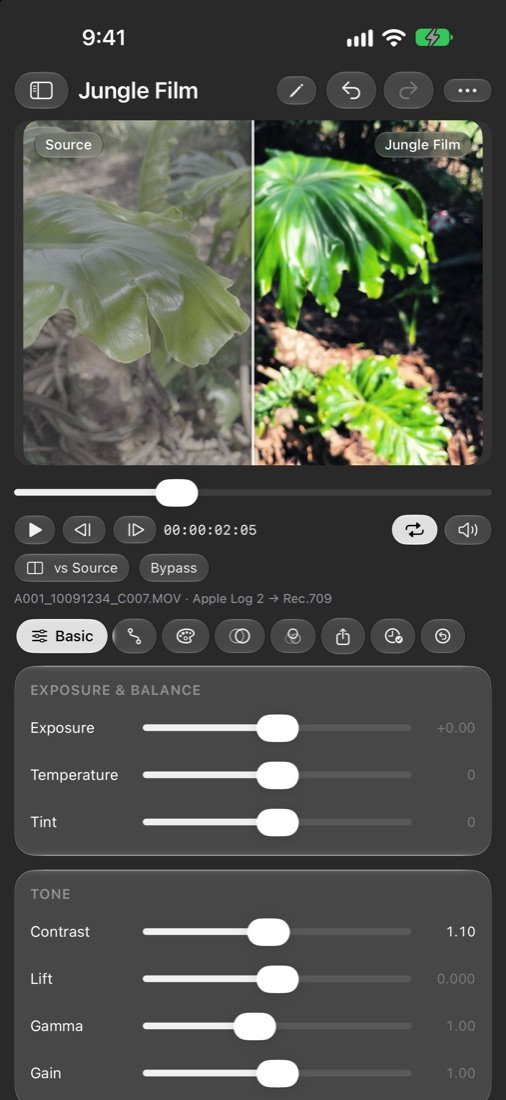
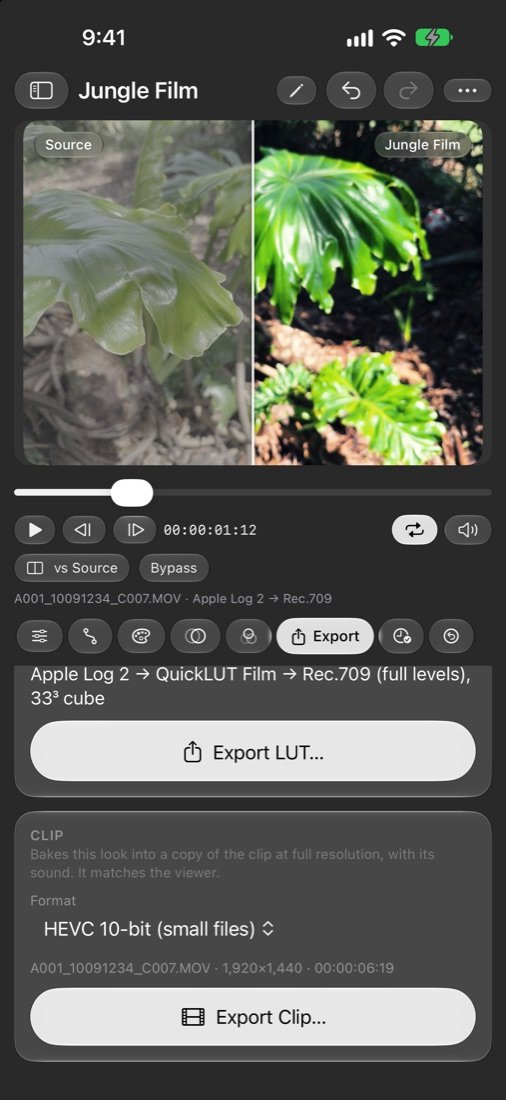
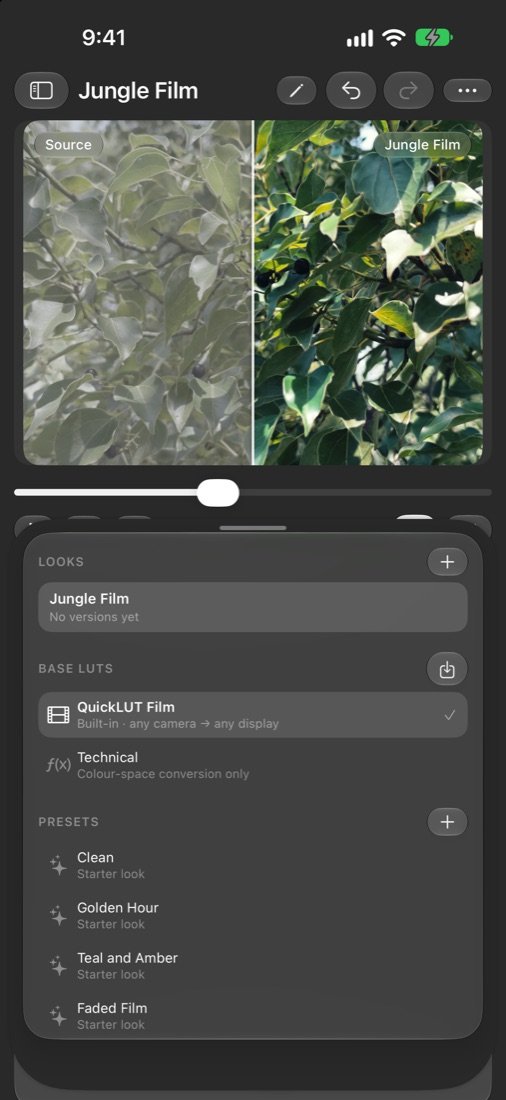
Make a LUT that looks like film, right on your iPhone or iPad.
QuickLUT takes flat, grey log footage and turns it into a finished look. Open a clip or still from your photo library, shape the look with simple controls, and export a LUT for DaVinci Resolve, Premiere Pro, Final Cut Pro, Blackmagic Camera or any other editor that reads .cube files. Or bake the look straight into a copy of your clip.
See it on your own footage
Drag the split line to compare your source with the finished look on a real frame from your clip. Play it back with the look applied. Edits show on the next frame, so you can judge a look while the footage is moving.
Built for log footage
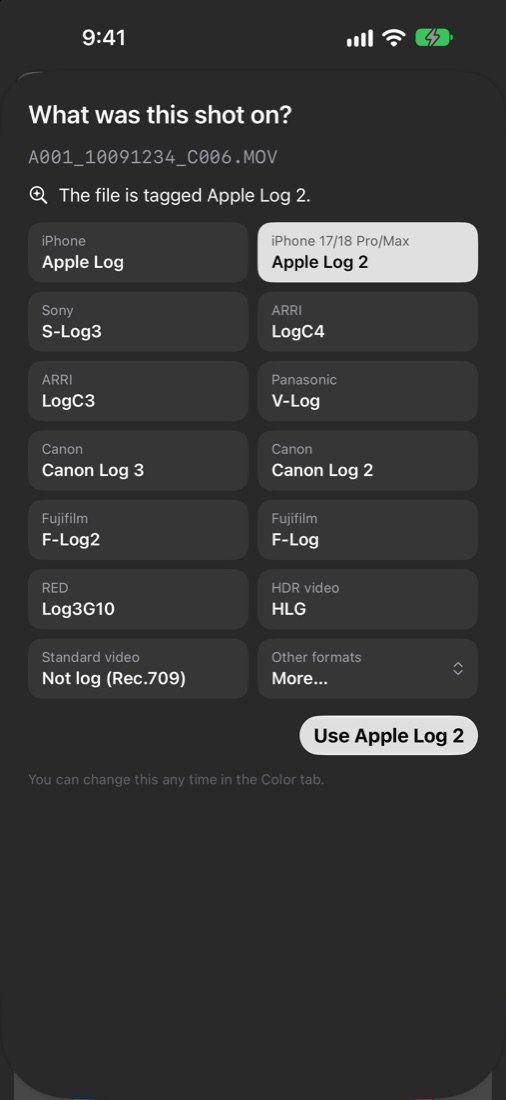
QuickLUT understands the log formats cameras actually record:
- Apple Log and Apple Log 2 (iPhone 15 Pro and later, including iPhone 17 and 18 Pro and Pro Max)
- Sony S-Log3
- ARRI LogC3 and LogC4
- Panasonic V-Log
- Canon Log 2 and Canon Log 3
- Fujifilm F-Log and F-Log2
- RED Log3G10
- Rec.709, HLG and other standard video
The first time you open a clip, QuickLUT asks what it was shot on and suggests an answer from the file. It can tell when a re-exported clip carries the wrong tag.
A look that starts well
Every look starts from QuickLUT Film: a gentle film tone curve, careful handling of saturated colours and a base that works from any camera to any display. Eight starter looks give you a quick place to begin: Golden Hour, Teal and Amber, Faded Film, Bleach Bypass, Night Drive, Vivid Summer, Silver Mono and Clean.
Shape the look
- Exposure, temperature, tint, contrast, lift, gamma, gain and saturation
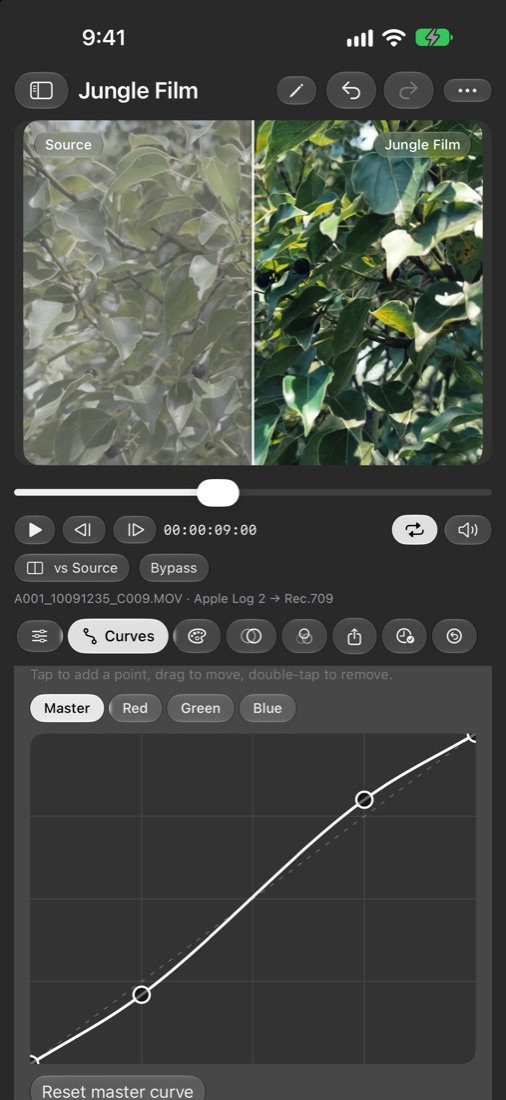
- Master and red, green and blue curves
- Hue curves: hue against hue, saturation and luminance
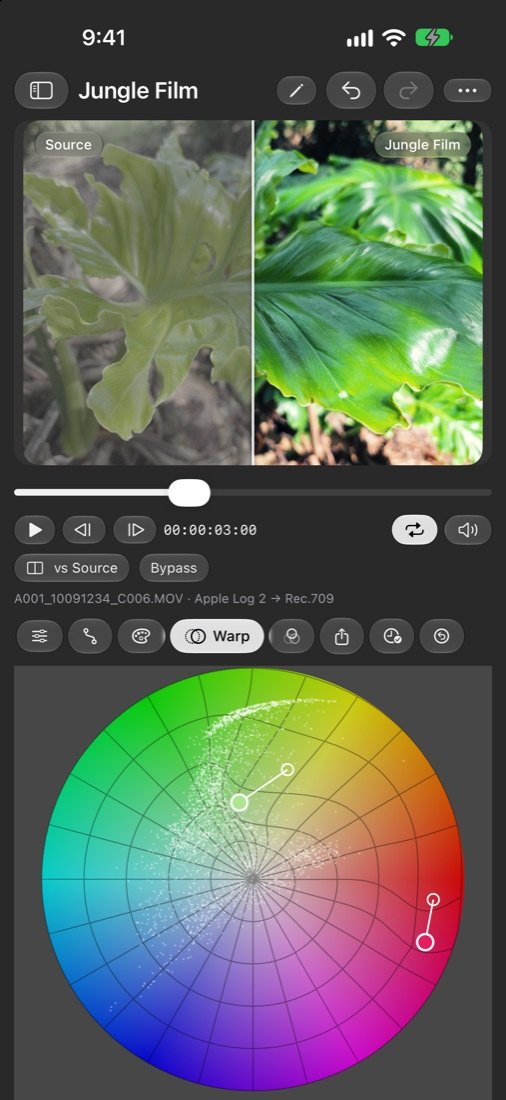
- Colour warp: place pins on a hue and saturation wheel and drag colours to where you want them. Mesh pins pull neighbouring colours along smoothly; precise pins change just one colour. Pick a colour straight from your picture.
- A grey-ramp scope that shows exactly what your look does to tone
Export what you need
- LUTs as .cube or .3dl, at 17, 33 or 65 points, for any input and output colour space
- Clips with the look baked in: full resolution, original frame rate and sound, as HEVC 10-bit, or ProRes on devices that support it
- Save to Files, add clips to Photos, or share with AirDrop, Messages and Mail
- File names that fill themselves in from the look, camera and size
Keep your work
- Looks save automatically as you work
- Undo and redo (200 steps) that survive closing the app
- Save versions of a look, compare your look against any version, restore one, or branch a new look from it
- Import your own .cube and .3dl LUTs and use them as a base
Made for people who grade
- Works offline. No account, no sign-in, no subscription
- Collects no data of any kind
- A built-in test chart lets you try every control without any footage
- One price, once. No ads and no in-app purchases
- Designed for iPhone and iPad. On iPad the library, viewer and controls sit side by side
QuickLUT builds LUTs. It does not edit video timelines. Use it to design a look, then take the LUT to your editor, or export a graded copy of a clip.
Requires iOS 26 or later. ProRes export needs a device with a ProRes encoder.